
Virtual Clothes Studio — 3D Apparel Configurator
A browser-based apparel configuration workspace with garment switching, spot-colour reference controls, texture layering, UV placement tools, HDRI lighting, and tech-pack export.
Try Virtual Clothes Studio live
Configure garments in the browser with category selection, spot-colour controls, artwork placement, lighting options, and tech-pack export.
For the best experience on smaller screens, open the full demo in a new tab.
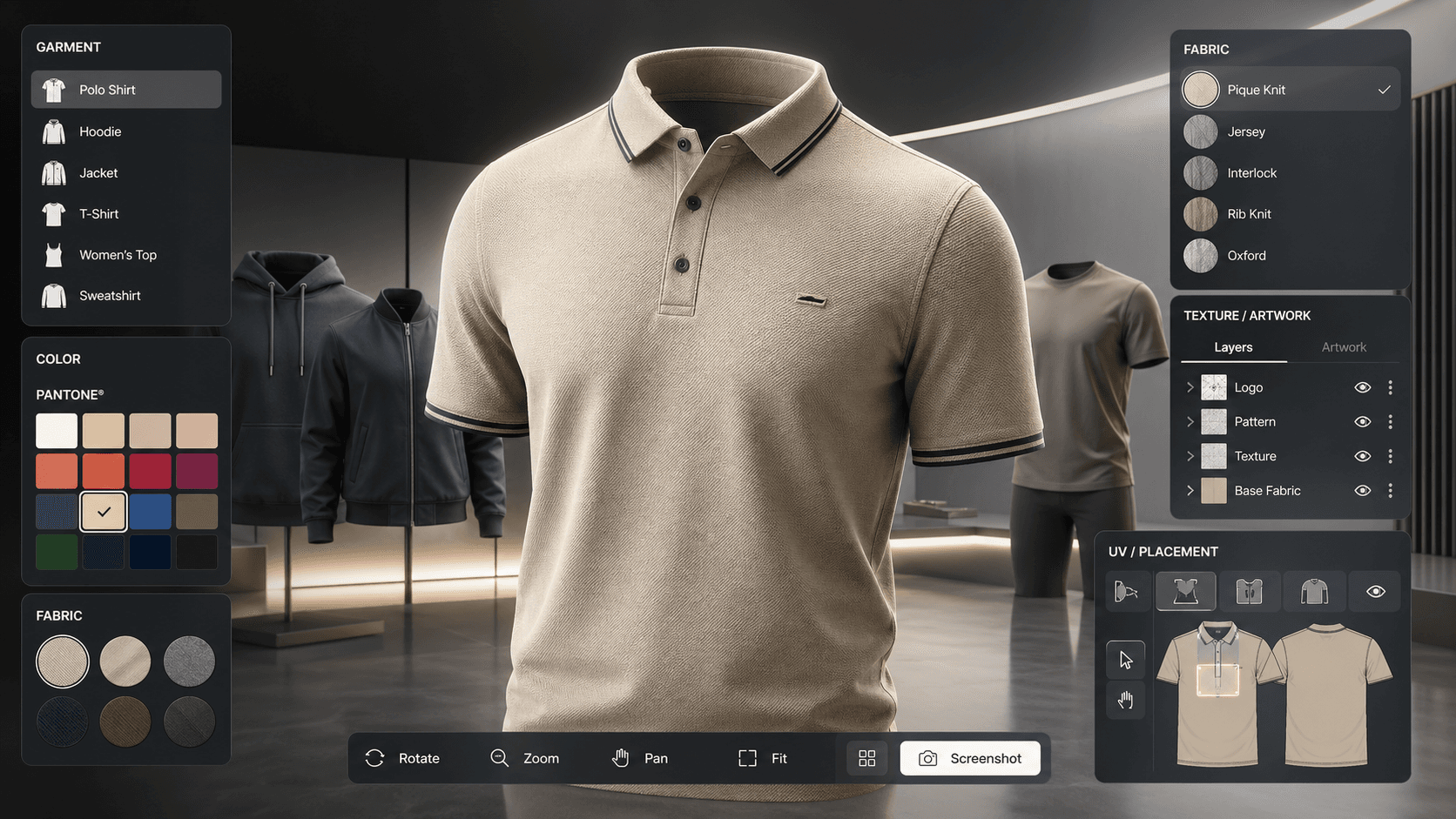
Overview
Virtual Clothes Studio is a browser-based 3D apparel workspace for exploring and customising garments such as polos, round-neck tees, hoodies, jackets, and women's variants directly in the browser.
What is working today
The live app already supports garment switching, fabric-based model variants, part selection, spot-colour reference controls, texture layer management, UV artwork placement, HDRI lighting control, and a tech-pack style export workflow.
System design
The experience combines a Three.js scene, categorised model loading, optimised material handling, texture compositing, resizable control panels, multi-selection tools, and PDF-oriented export utilities to make the viewer useful for real garment workflows rather than only presentation.
Why it matters
Interactive apparel tooling can reduce back-and-forth during sampling and approvals by letting teams review colours, trims, placements, and supporting specifications inside a shared visual workspace.