
How to Budget an Interactive 3D Product Page
A practical way to define scope for an interactive 3D product page before asking for a quote—starting with the buyer decision, product rules, available assets, and launch environment.
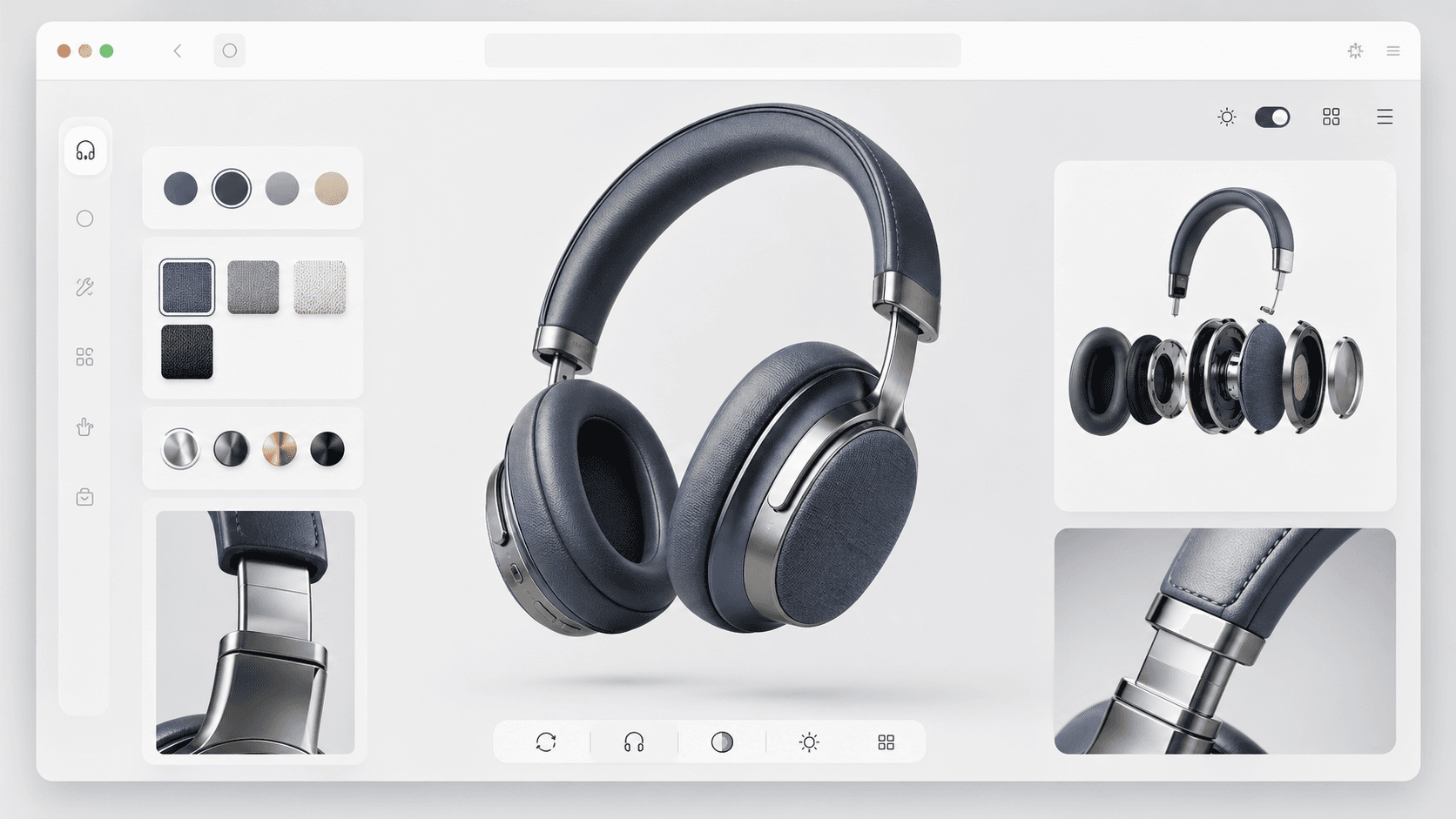
An interactive 3D product page can be a focused viewer, a material configurator, a complete launch story, or a sales tool connected to real product data. Those are different products, even when the finished pages look similar in a portfolio. A useful budget starts by defining what the page must help a buyer understand or decide—not by counting visual effects.
Start with the buyer decision
Write down the decision the page should make easier. A buyer may need to compare finishes, understand scale, inspect a mechanism, choose a configuration, see a property layout, or simply feel why a premium product is worth attention. This gives every later feature a test: does it improve that decision, or only add production work?
The clearest first scopes usually support one primary action and a small number of supporting actions. A page can always grow after the central product interaction has been reviewed on real devices.
The six main scope drivers
1. Source assets and product readiness
Existing CAD, clean production models, approved materials, photography, films, copy, and brand rules can all reduce discovery work. They do not automatically make an asset ready for the browser. Geometry may still need retopology, materials may need to be rebuilt, product variants may need a common structure, and confidential engineering data may need a separate visual model.
2. Options and configuration rules
Changing one finish across a product is different from managing compatible parts, pricing logic, inventory states, measurements, saved configurations, or a tech-pack output. List every choice, which parts it affects, and which combinations are allowed. This rules table is often more valuable for scoping than a visual reference board.
3. Visual fidelity
Decide what must remain convincing when a buyer rotates or zooms the product. Jewellery, fabric, brushed metal, transparent parts, interiors, and mechanical details each need different modelling, material, lighting, and testing work. The right target is not maximum realism everywhere; it is enough fidelity at the moments where buyers judge quality.
4. The rest of the product page
A 3D scene may sit inside an existing commerce page, or the engagement may include the complete narrative, responsive layout, motion, product specifications, campaign media, calls to action, and deployment. Clarify who owns each part. Otherwise a request for a configurator can quietly become a full website build during production.
5. Data and integrations
A self-contained campaign page has different dependencies from a tool connected to a CMS, catalogue, ecommerce platform, analytics setup, lead form, or product database. Document the source of truth, the fields that can change, and who can provide access. Integration uncertainty should be visible in the scope rather than hidden inside a generic development line item.
6. Devices, performance, and accessibility
Name the devices, browsers, connection conditions, and markets that matter. Mobile optimisation affects model structure, texture strategy, media loading, interaction design, and fallbacks from the beginning. Keyboard access, reduced-motion behaviour, readable product information, and a useful non-WebGL path also belong in the definition of done.
Shape the engagement around reviewable decisions
A staged engagement makes uncertainty easier to manage without publishing a one-size package. Each stage should end with something the team can inspect and approve before the next layer of production expands.
- Foundation: confirm the audience, conversion action, source assets, product rules, technical environment, and success signals.
- Proof slice: build the smallest representative interaction using a real product, real material challenge, and a target device.
- Production: extend the approved system across the required variants, page sections, media, and integrations.
- Launch validation: test the deployed page, analytics, fallbacks, content ownership, and handoff path in its real environment.
What to bring to a scope conversation
You do not need a finished specification. A short, honest input pack is enough to expose the important questions.
- The product or collection, the intended buyer, and the decision the page should support.
- A list of available CAD, models, textures, photographs, films, copy, brand files, and product data—with their current approval status.
- The variants or choices a buyer can make, including any compatibility rules or unavailable combinations.
- The current website platform, deployment owner, analytics setup, and any systems the experience must read from or write to.
- Reference pages with a note about what is useful in each one: pacing, product scale, material response, interaction, or information hierarchy.
- The people who approve product accuracy, brand direction, and the final web implementation.
What a useful proposal should make clear
The proposal should separate assumptions from confirmed inputs. It should identify the representative product or variant, included interactions, asset responsibilities, page responsibilities, target devices, review gates, launch environment, and what would change the scope. It should also say what is not included. That clarity is more valuable than a confident number attached to an undefined experience.
Choose the smallest scope that proves the product idea
If the business case is still forming, start with the product decision that is hardest to communicate through static media. A representative, working slice can reveal whether interactive 3D improves understanding, whether the assets hold up on mobile, and which parts deserve further investment. Budgeting becomes much more reliable once those questions have real answers.