
Configurable products deserve more than a gallery of static images.
Product visualisation helps buyers inspect choices clearly: materials, colours, finishes, variants, scale, and details. It is useful for jewellery, apparel, furniture, gadgets, vehicles, and any product where confidence depends on seeing the right version.
- Useful for products with choices: model, finish, colour, material, trim, layout, scale, or accessories.
- Can start from your existing 3D model, CAD, product references, or a new model built for web use.
- Works as a focused sales configurator, product approval aid, catalogue tool, or shareable product viewer.
The same approach can support vehicle and EV previews, furniture customisers, catalogue tools, and premium product detail experiences.
3D product configurator examples
These are working personal and self-initiated projects, not commissioned studio-client results. Together they show three different interaction depths: product viewing, focused material comparison, and a workflow-oriented configuration tool.
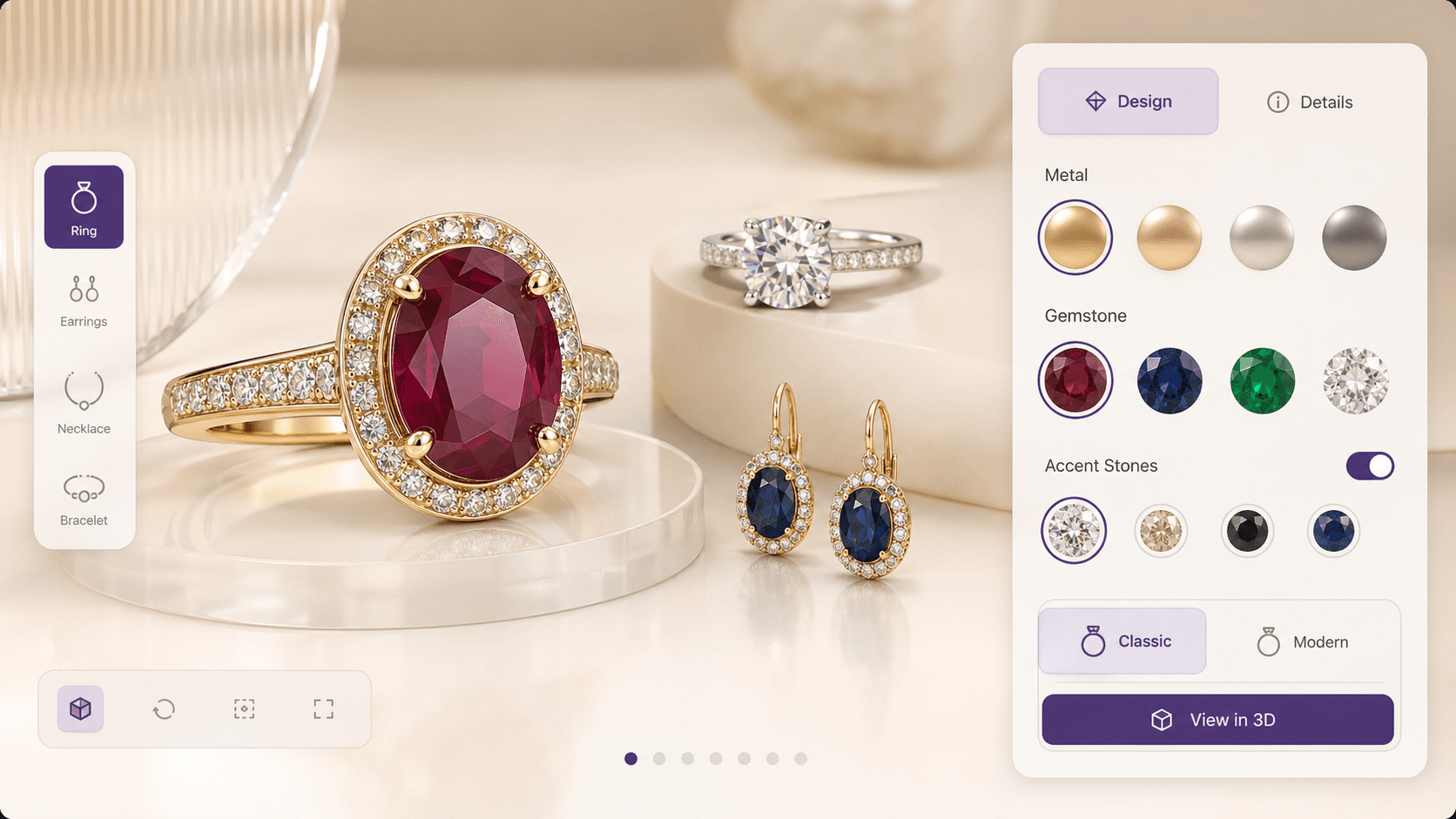
A live 3D jewellery configurator with product switching, metal and gemstone presets, finish controls, HDRI lighting, and real-time interaction.
- Switch jewellery categories
- Compare metals, gemstones, and finishes
- Inspect the product under different lighting
Demonstrates a focused premium-product viewer where materials and product categories share one interaction system.
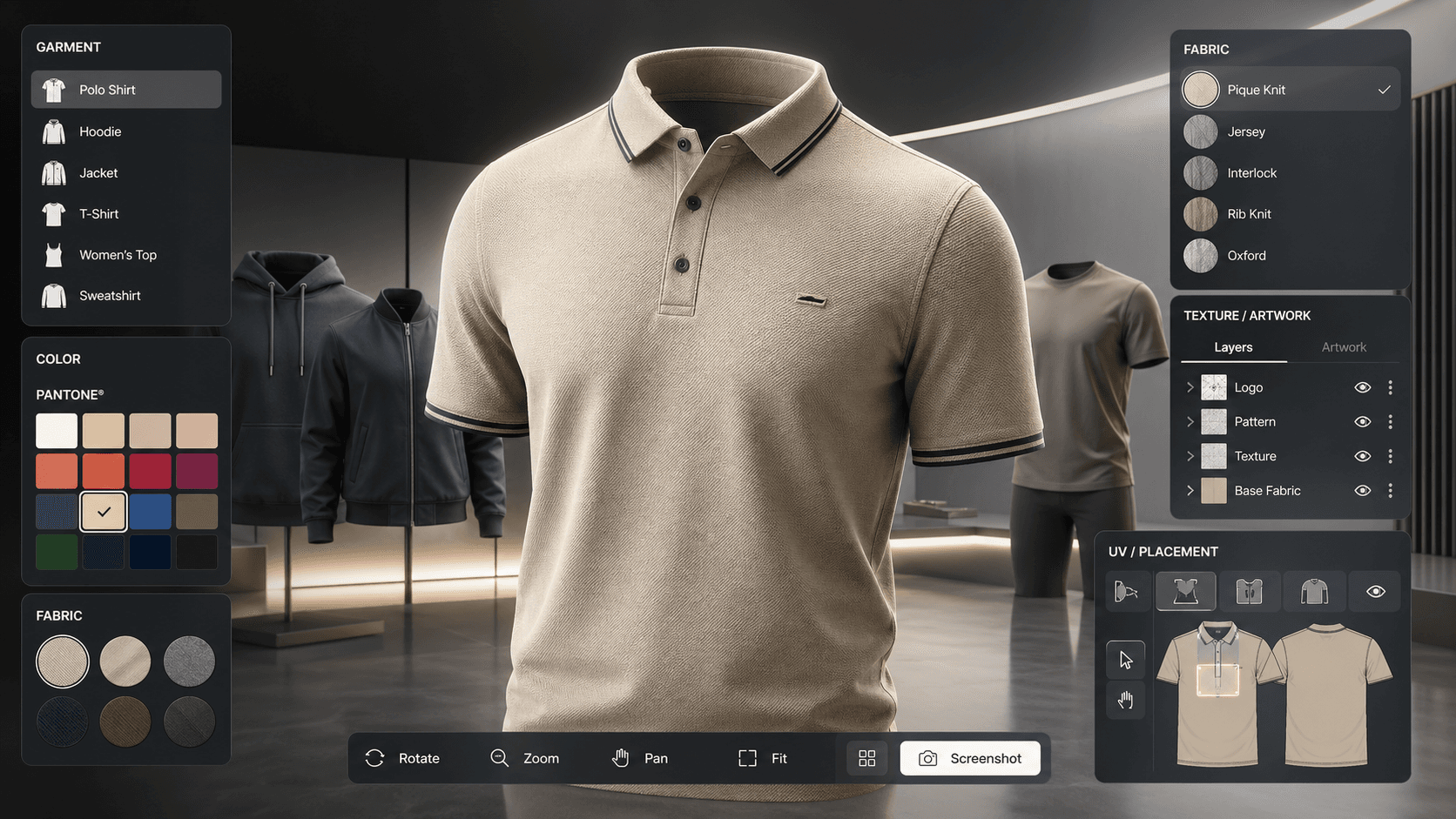
A browser-based apparel tool with garment switching, spot-colour reference controls, artwork placement, HDRI lighting, and tech-pack style export.
- Switch garment and fabric variants
- Place artwork and adjust part-level colours
- Export a specification-style review document
Demonstrates a workflow tool with deeper rules and outputs than a presentation-only product viewer.
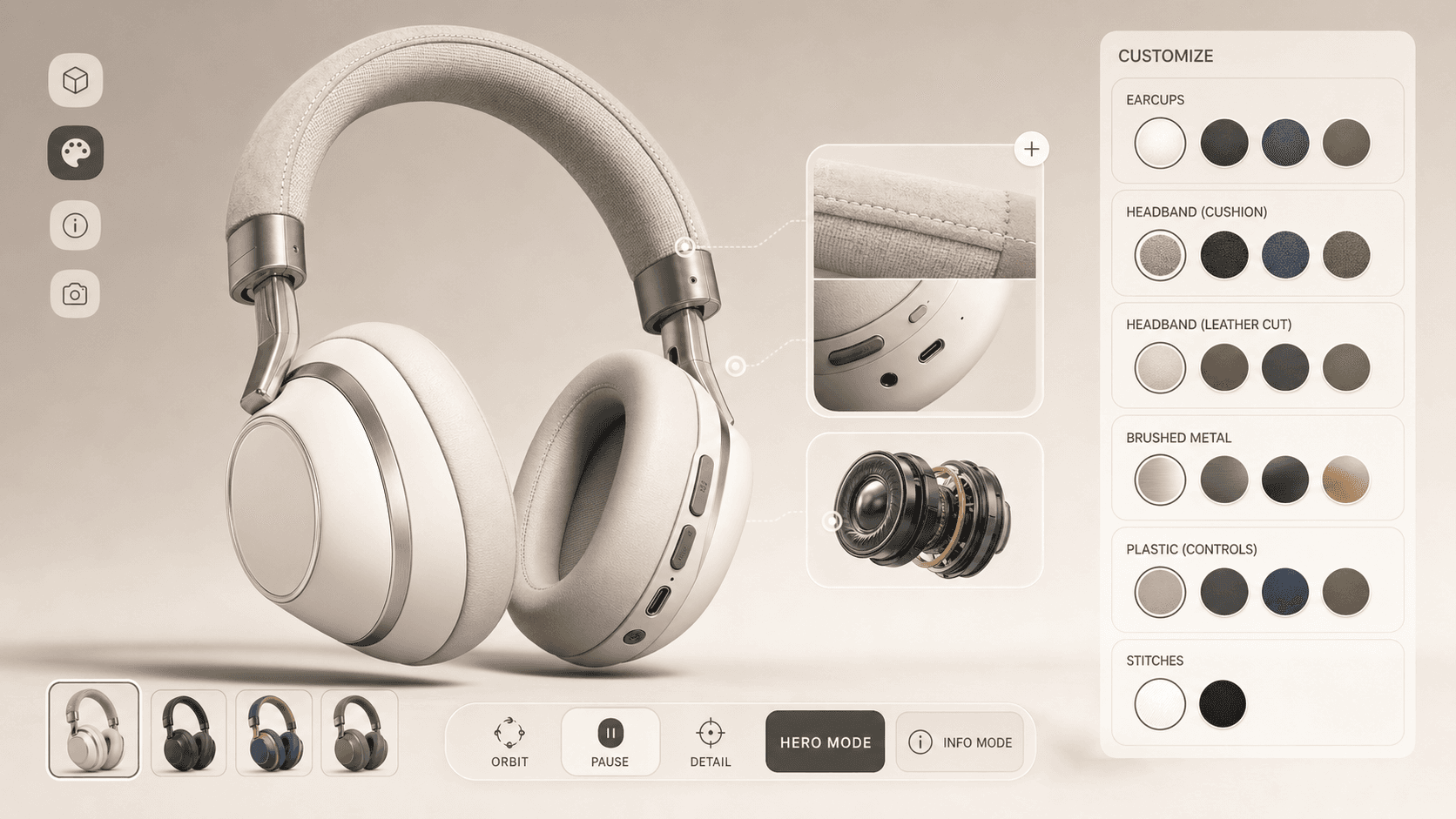
A focused headphones configurator with earcup, headband, brushed metal, plastic, and stitch finishes plus information-mode product details.
- Compare materials across product parts
- Open feature and construction callouts
- Capture and share a configured product state
Demonstrates a compact sales configurator centred on finish comparison, product detail, and shareable decisions.
Define the product rules before the interface.
A reliable scope begins with the product decision, available assets, and configuration logic. The interface and 3D production can then be shaped around real inputs instead of a generic demo.
- The product and the decision a buyer or internal team needs to make
- Available CAD, models, product references, material information, and brand files
- The options, affected parts, and rules for valid product combinations
- The target website, devices, data sources, analytics, and inquiry or purchase path